
For teamwear makers
Sublimation and teamwear software
Clubs design kit on the real garment, add their roster, and you get print files graded for every size.
From roster to roll
- A 3D kit designer on the real pattern pieces
- Names and numbers from a pasted roster
- Print files for every player and size
- Pieces nested on the roll with matching cut files
Team stores for the whole squad
Players order their own size, pack and name in a team store, and the store closes into one production batch.
Why sublimated teamwear needs its own software
Sublimated teamwear is not a logo on a blank. The whole garment is printed, panel by panel, then cut and sewn. Every player has a different name, number and size, and every size has a different pattern piece. A small error in a roster means a shirt printed with the wrong name. Sublimation software for teamwear has to carry the design, the roster and the sizes all the way to the print and cut files. Dyenzo is built to do exactly that.
Step 1: the club designs its kit
The 3D kit designer shows the real garment with its real pattern pieces. The club, or your designer, picks colours and patterns for each panel, adds the crest and sponsors, and places names and numbers. What they see on the 3D garment is what prints on the flat panels. Staff can also make kit patterns with AI, which change nothing until a person chooses "Use it".
Step 2: add the roster
Paste the team list straight from a spreadsheet: name, number and size for each player. Dyenzo checks it, and each player's name and number go on their own garment. No more typing forty names into a design file one at a time.
Step 3: quote, proof and approve
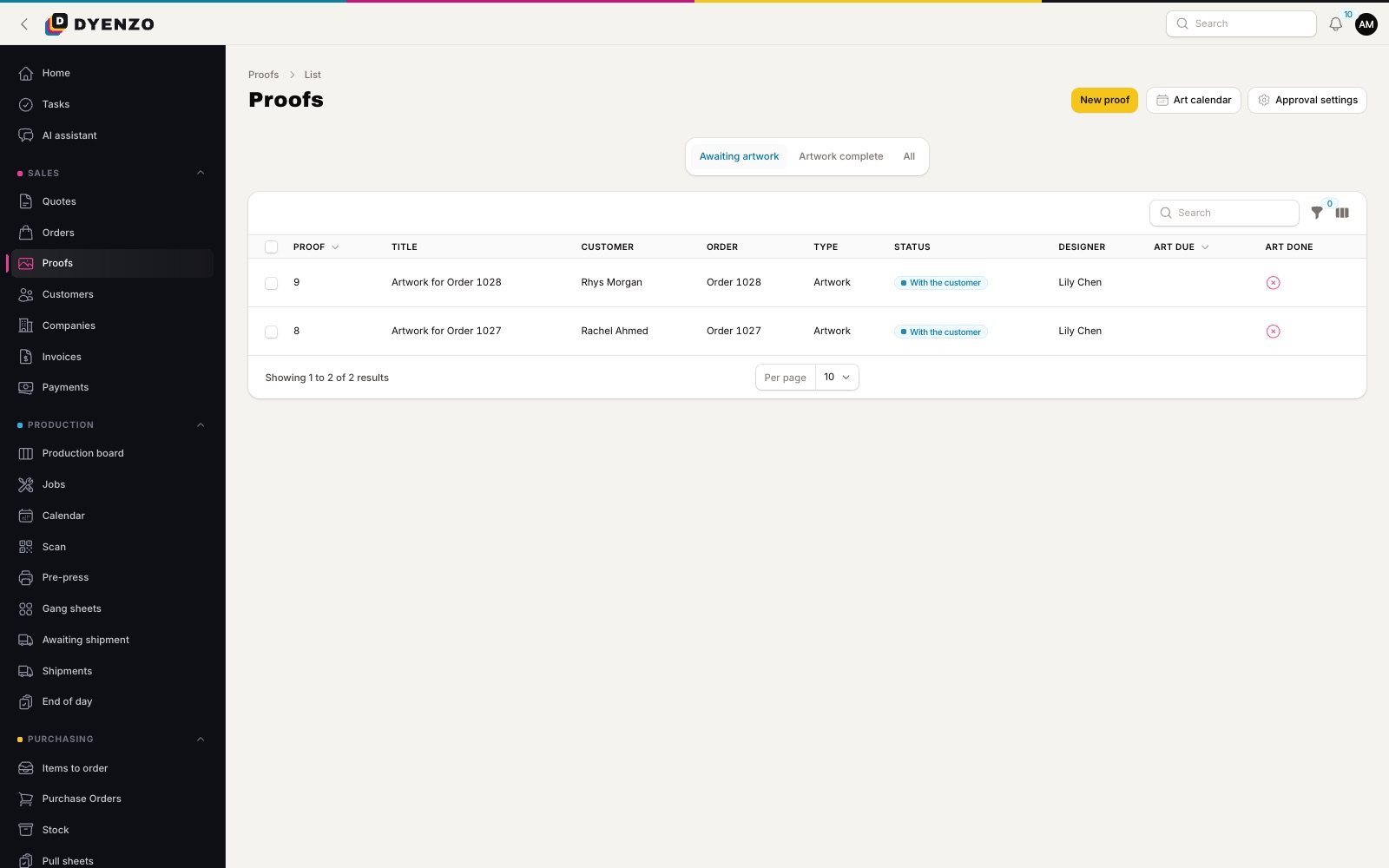
Price the kit from your grids and send the quote. The club approves the proof online, and can be asked to pay the deposit first. The approval is of exactly what will print, so arguments about what was agreed are settled by the proof.
Step 4: print files for every player and size
When the proof is approved, Dyenzo makes a print file for each panel of each player's garment, graded to their size where the garment has graded patterns. The print pack comes with a manifest listing player, number, size, panel and file, plus the team list as a CSV. Your print room knows exactly what each file is for.
Step 5: nesting and cut files
For garments set up with their pattern files, released print runs go to Dyenzo Print. It places every piece of every player's garment on that size's real pattern piece, nests the pieces on the roll at the width of the fabric you load, and makes the print PDF with a matching cut file. Reprints of single pieces, with a reason for each, are tracked too.
Step 6: press, cut, sew and pack by player
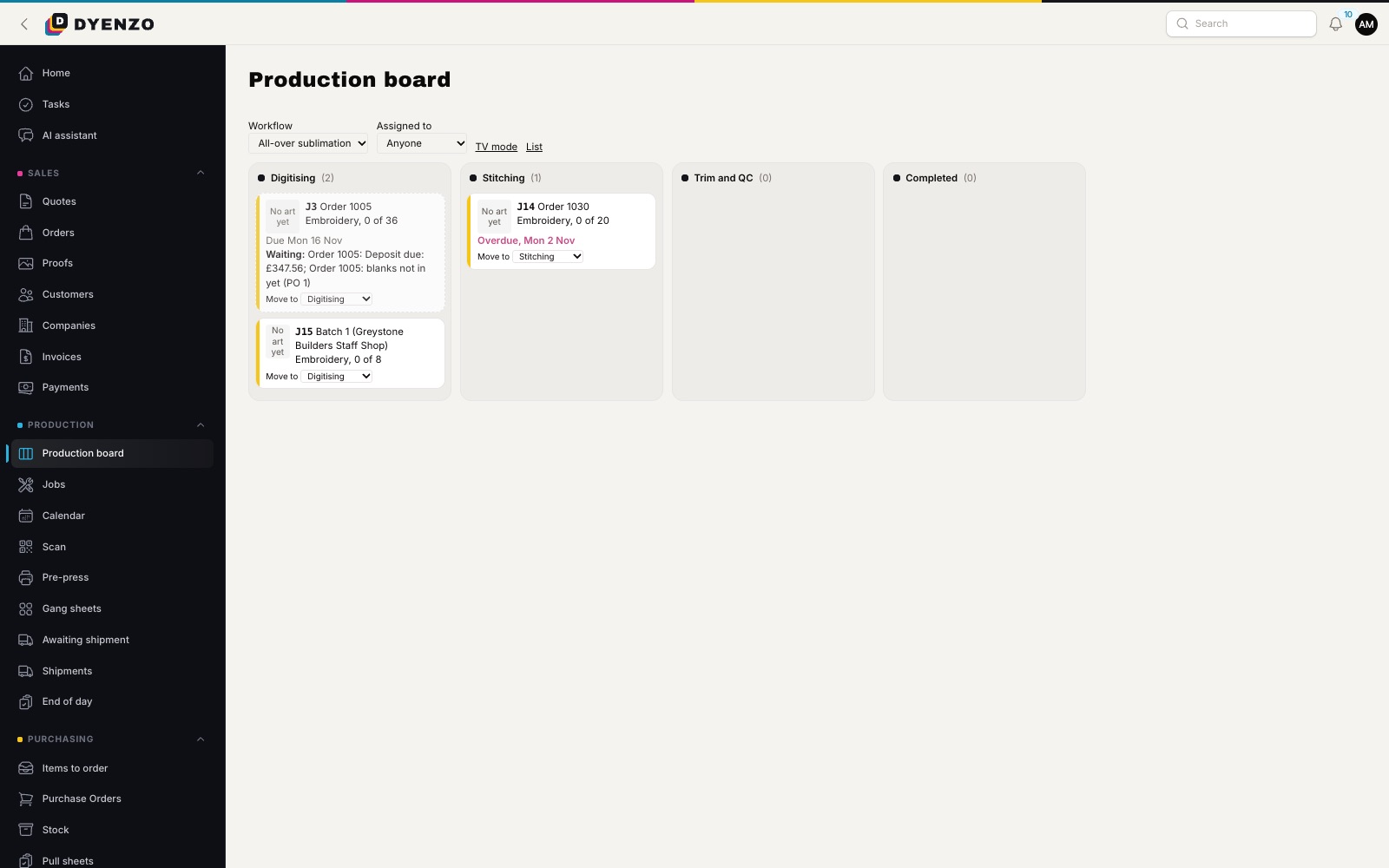
Jobs move across the production board through your own stages, from printing and pressing to cutting, sewing and packing. The production calendar shows what each station has booked. Packing lists group each player's items under their name, so a kit goes out complete.
Team stores for the whole squad
For clubs where each player pays for their own kit, open a team store. Players choose their size and add their name and number, often as a player pack of shirt, shorts and socks. When the store closes, every order becomes one production batch with one print run.
From design to dispatch
| Stage | What you get |
|---|---|
| Design | A 3D kit designer on the real pattern pieces |
| Roster | Names, numbers and sizes pasted from a spreadsheet |
| Approval | An online proof of exactly what prints |
| Print files | A file per panel per player, graded by size, with a manifest |
| Roll | Pieces nested on the roll with a matching cut file |
| Delivery | Packing lists by player, labels and tracking |
Fewer mistakes on names and sizes
Most teamwear reprints come from a wrong name, number or size. In Dyenzo the roster is the single source: the same list drives the design, the print files, the manifest and the packing list. Change a player once and every file made after the next approval follows.
Questions
Can I upload my own garment patterns?
Yes. Add your own garments to the 3D studio with their sizes, so clubs design on your cut, not a generic one.
What if a size has no graded pattern yet?
Its pieces print at the garment's base size, and the manifest marks them so your team can check.
Can a club reorder for new players next season?
Yes. The approved design is kept, so you add the new players to the roster and make print files for them.
Related
Dyenzo is opening to its first print businesses
Write to us for early access. Tell us what you print and which modules you need.